Get onchain creator affiliate payouts right
Onchain affiliate programs operate differently from traditional web2 networks. Smart contracts execute payouts automatically, but that automation relies on strict adherence to technical and compliance prerequisites. If your infrastructure or identity verification is incomplete, commissions may be delayed, lost, or forfeited.
Before you launch, ensure you have a funded, non-custodial wallet with sufficient native gas tokens for the target chain. Many onchain programs require you to sign a transaction to register your payout address, which fails if you lack gas. Additionally, verify that your wallet address is whitelisted in the program’s dashboard and that it matches the identity you submitted for KYC (Know Your Customer) checks. Mismatches here are the most common cause of failed payouts.
Finally, confirm the program’s minimum payout threshold and settlement cycle. While some platforms distribute commissions instantly on-chain, others batch payments monthly to reduce network congestion. Understanding these mechanics prevents cash flow surprises and ensures you are ready to receive onchain creator affiliate payouts.
How to set up onchain creator affiliate payouts
Setting up onchain payouts requires more than just connecting a wallet. You need to verify the program’s infrastructure, understand the settlement layer, and configure your tracking parameters correctly. This guide walks through the exact steps to ensure your affiliate commissions are tracked accurately and paid out on time.
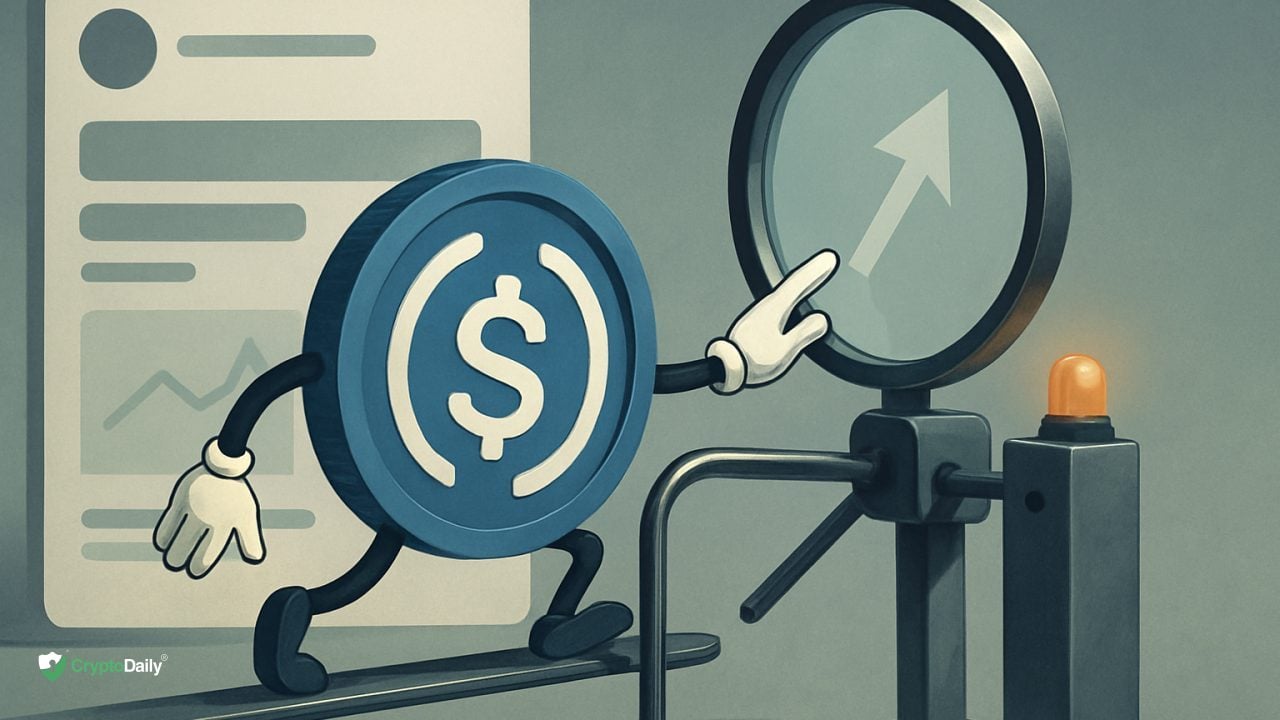
Before joining, confirm which blockchain the program uses for payouts. Most reputable platforms settle in stablecoins like USDC on Ethereum, Arbitrum, or Polygon. Avoid programs that settle in volatile tokens unless you explicitly want that risk. Check the official documentation to see if they support multi-chain payouts or if you are locked into a single network.

Generate your unique affiliate links through the creator dashboard. Ensure you are using the correct UTM parameters if the platform supports them for deeper analytics. Next, input your receiving wallet address. Double-check the network selection; sending a wallet address for Ethereum to a Polygon-only payout system will result in lost commissions.
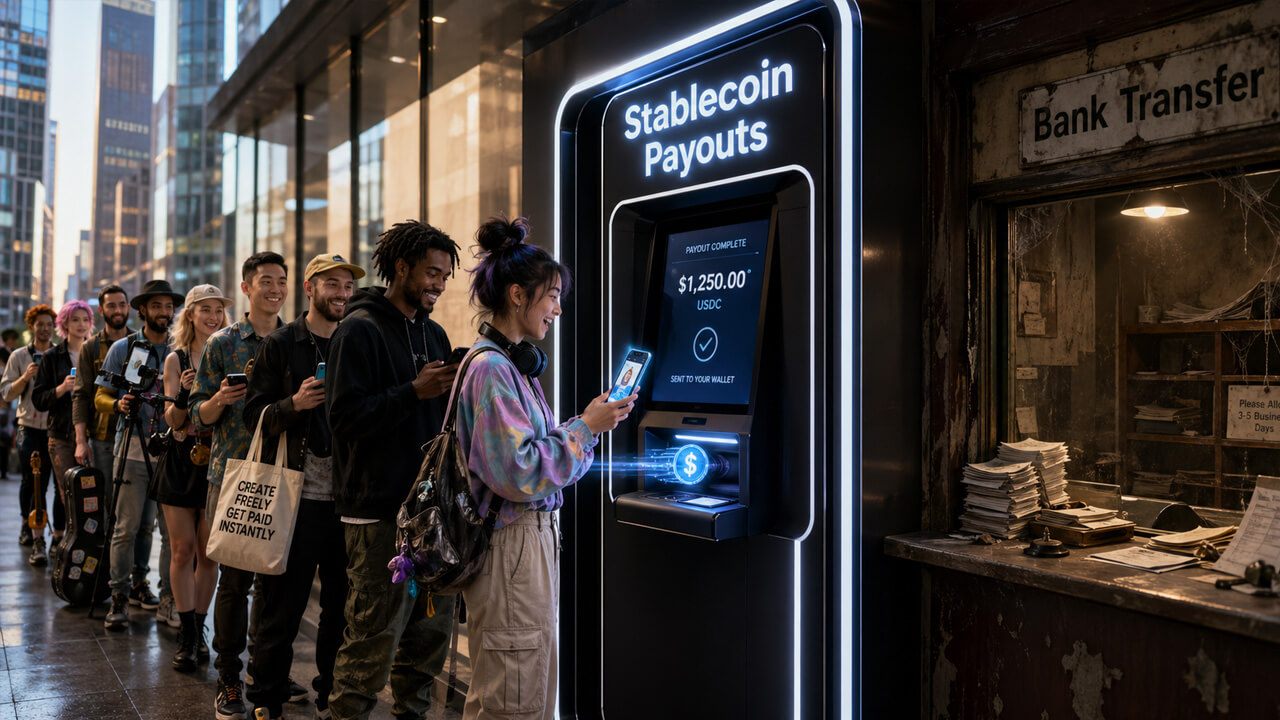
Do not rely on a single large referral. Make a few small test referrals to verify that the tracking cookie or onchain attribution works as expected. Monitor your dashboard for 24-48 hours to ensure the clicks are recorded and any initial conversions are reflected. This step prevents losing significant revenue due to broken tracking pixels or misconfigured smart contracts.
Most onchain programs have minimum withdrawal thresholds and fixed payout schedules. For example, Crypto.com validates actions and prioritizes timely monthly payouts, but only after meeting specific volume criteria. Check if the program uses automated smart contract distributions or manual treasury approvals. Manual approvals can introduce delays, while automated systems may have higher gas costs passed to you.
Once live, track your conversion rates and average commission value. Use the platform’s analytics to see which content pieces drive the most qualified traffic. Adjust your promotional strategy based on which channels yield the highest ROI. Remember that crypto affiliate payouts can be substantial; platforms like ChangeNOW pay an average of $5,853 per affiliate monthly, so even small optimization improvements can have a large financial impact.
-
Confirm settlement blockchain (e.g., USDC on Ethereum)
-
Generate and test unique affiliate links
-
Verify receiving wallet address and network
-
Check minimum payout thresholds and schedules
-
Monitor first 30 days of tracking accuracy


As an Amazon Associate, we may earn from qualifying purchases.
Fix common mistakes
Most creators lose revenue not because of low traffic, but because of structural errors in how they configure their onchain affiliate links. These mistakes often go unnoticed until the end of the payout cycle, when commissions are already locked or delayed.
The first error is ignoring the wallet verification step. Platforms like Crypto.com require you to connect a specific wallet address before any commission can be credited. If you promote a link without binding your payout address in the dashboard, the system cannot route your earnings. This is a simple setup step that many skip in favor of immediate promotion.
The second mistake is using generic tracking links instead of unique, campaign-specific codes. Onchain analytics rely on distinct identifiers to attribute sales correctly. When you reuse a single link across multiple channels or posts, you dilute your attribution data. This makes it impossible to see which content actually drives conversions, leading to poor optimization decisions.
Finally, many creators fail to monitor the validation window. Commissions are not instant; they require a settlement period where the platform verifies the user’s action. Assuming immediate payout leads to confusion when funds do not appear in your wallet. Set up calendar reminders to check your dashboard after the standard validation period, typically 7–30 days depending on the platform’s terms.
No comments yet. Be the first to share your thoughts!